Cubase · Nuendo firstPreparing
Windows VST3
The first public build target. The trial period starts in the plugin, then switches to full access after paid sign-in.
Get notifiedA public trial page where anyone can download RMO Maestro and evaluate the full feature set for 14 days.
Until installer files are published, this page collects release updates. After purchase, the same trial build unlocks to the full version through plugin sign-in or an offline serial key.
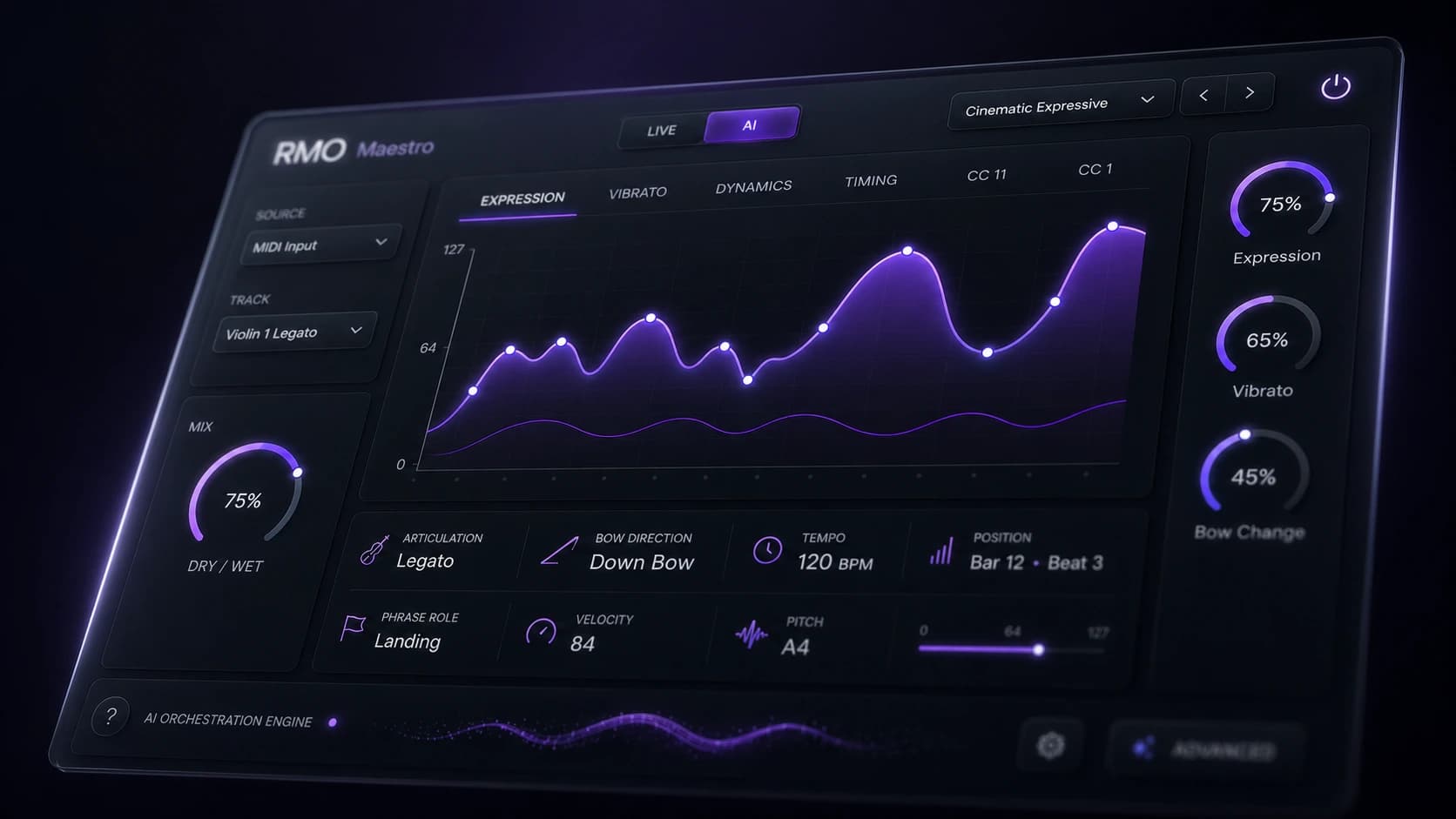
When installer files are live, the latest builds will be available here. The first rollout prioritizes Windows VST3.
The first public build target. The trial period starts in the plugin, then switches to full access after paid sign-in.
Get notifiedmacOS host builds will follow after compatibility checks.
Get updatesAAX availability will be announced in release notes after separate validation.
Follow newsThe trial and the full version are not separate installers. The same plugin changes mode after checking account or serial status.
Once public builds are open, download the installer for your OS and plugin format.
Install RMO Maestro into your plugin folder, then rescan plugins in Cubase, Logic Pro, Studio One, or your host.
Start with the 14-day trial, then sign in with a purchased account or enter an offline serial key to verify full access.
Sign in inside the plugin with your RMO AI account. The plugin checks purchase and license status before enabling full access.
A serial-key entry path is planned for studios and machines that cannot stay online.
When downloadable builds are public, this section will track changes, known issues, and compatibility status.
Added the 14-day trial download page, full-unlock guidance, and the planned offline serial-key path.